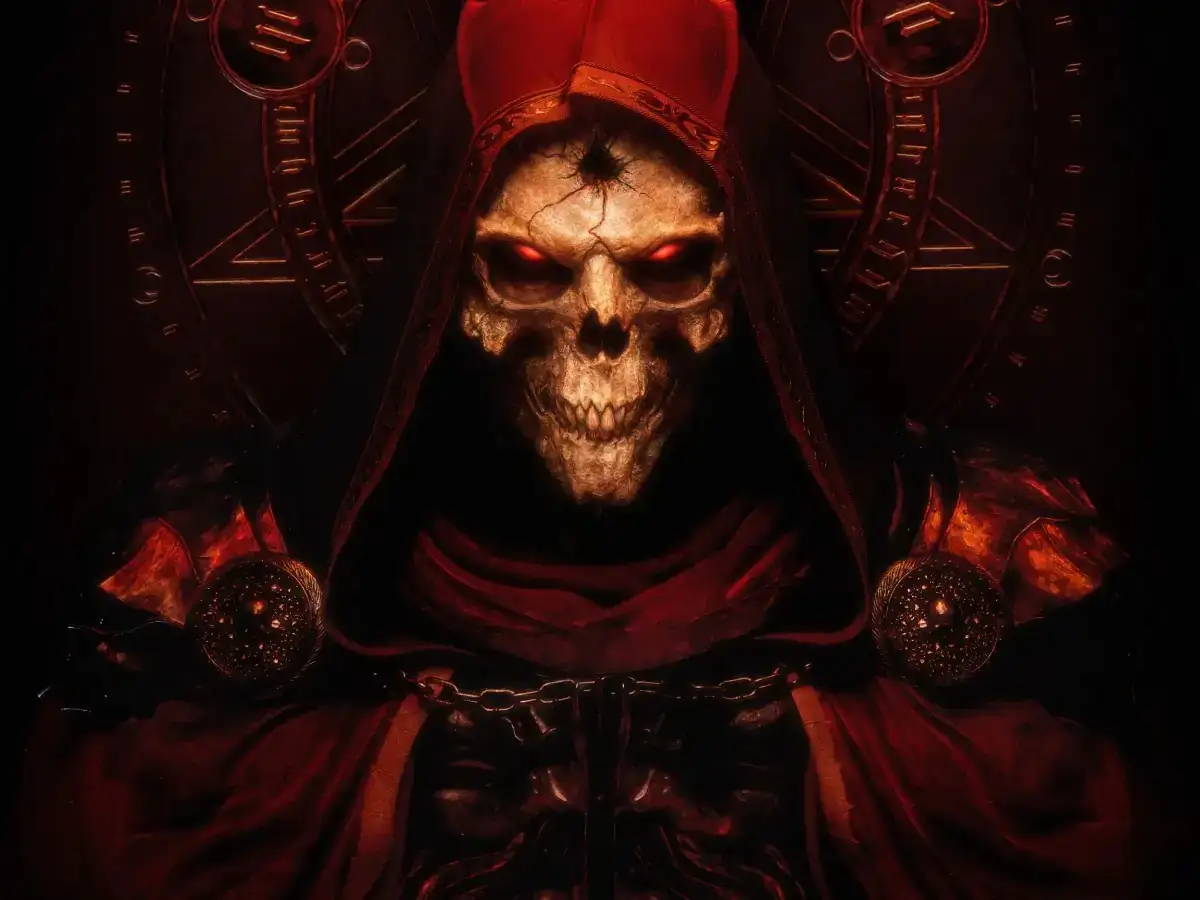
ディアブロII ロードオブデストラクション
You are using the Safari browser. Only Safari on the latest macOS Sequoia 15.4.1 or iOS 18.4.1 is supported for proper functionality.
You are using the Firefox browser. Only the latest version of Firefox is supported.
Please enter 'about:config' in the Firefox browser, then search for 'javascript.options.wasm_js_promise_integration', set its value to true, and refresh this page to achieve optimal performance.
Please enter 'about:config' in the Firefox browser, then search for 'javascript.options.wasm_js_promise_integration', set its value to true, and refresh this page to achieve optimal performance.
Please install and use the latest version of Chrome or Edge for the best experience.
Mobile device browsers are not supported due to memory limitation.
Your browser storage quota is low and you may not be able to load the game correctly.
Usage: Available:
Usage: Available:
To help us improve, please disable ad blocker for our site. Start game in seconds.
Become a Gold Member to enjoy an ad-free experience, unlock cloud saving, and help us to improve.
Some animated ads may impact game performance. If the game becomes choppy, please close the ads.
Some animated ads may impact game performance. If the game becomes choppy, please close the ads.
Loading...
🛈Windows games require the latest desktop CPUs for optimal experience. See the help page for more details.
ディアブロII ロードオブデストラクション (2001)
Diablo II: Lord of Destruction
Blizzard North


Play
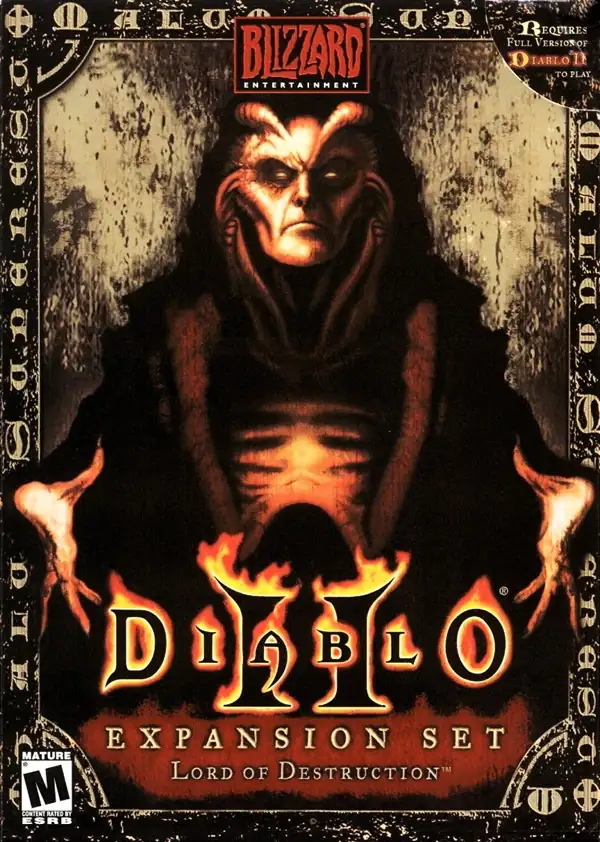
『ディアブロII ロードオブデストラクション』は 2001 年に発売された『ディアブロII』の拡張版。物語はアリーアット山と大悪魔バールを中心とする第5章が追加され、プレイアブルクラスにアサシンとドルイドが加わる。ゲームプレイ面では、ルーン/ルーンワード、ジュエル、チャーム、エセリアル属性、クラス専用/エリート級アイテム、武器セット切替、傭兵の装備・蘇生・章を跨いだ同行などが導入され、さらに解像度 800×600、個人スタッシュ容量の倍増といった QoL も強化された。これらは公式資料や “The Arreat Summit” の各ページで体系的に説明されている。
Upload Save File
Upload save file will orverwrite current progress and restart, do you wish to continue?
Warning
Welcome
Welcome to playing retro Windows games in your browser! To ensure your game saves properly, please exit the game and wait for Windows to shut down completely. Make sure you see the "It is now safe to turn off your computer" message before using the save functions to avoid potential disk corruption.
To save disk changes made by the game, you must manually use the following save functions:
 Save to cloud (Gold member only).
 Save to local browser storage.
 Save and download the save file.
To save disk changes made by the game, you must manually use the following save functions:
Save to cloud (Gold member only). Save to local browser storage. Save and download the save file. Don't show this again.